


Guide to Office Chairs with Lumbar Support

Anyone who spends a long time at a desk knows the problem. The back becomes rounded, the shoulders slump forward, and there's a twinge in the lower back. An office chair with lumbar support is a crucial tool here to maintain the natural S-curve of your spine. It specifically supports your lower back and actively helps prevent unhealthy posture and pain. This support is not a luxury feature but an ergonomic necessity.
What Lumbar Support Does for Your Back
Lumbar support is more than just a curve in the backrest. It is a shaped component that stabilizes your lumbar spine. This area, also called the lumbar lordosis, describes the natural inward curve of your lower spine.
The problem with sitting without proper support is that your pelvis tilts backward. This flattens the healthy S-curve of your spine and turns it into an unhealthy C-shape. This posture puts pressure on your intervertebral discs and overloads the stabilizing muscles in your lower back.
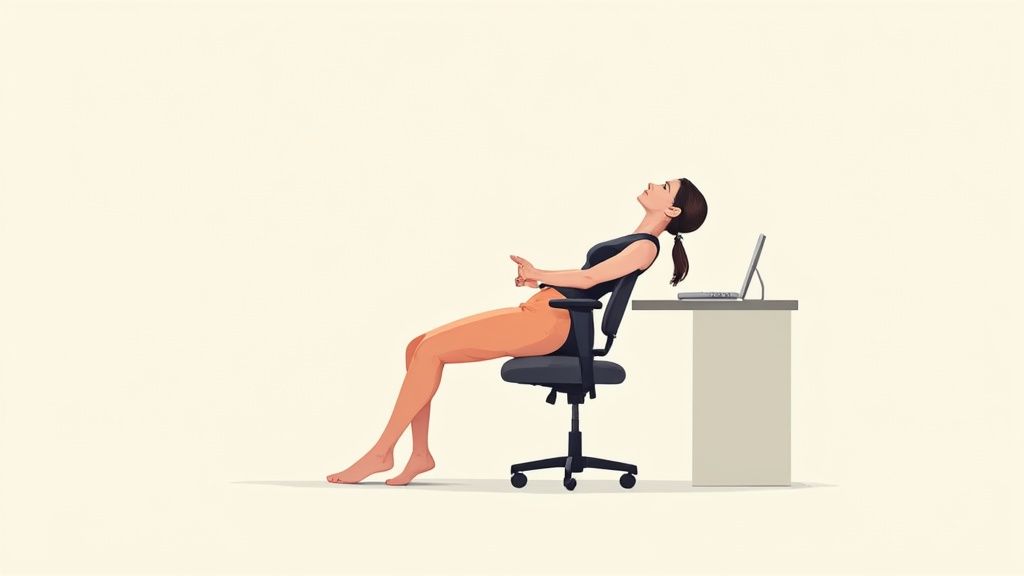
Support for a Healthy Posture
Your lumbar spine functions like a supporting arch. For the structure to bear its weight, this arch must be supported. Lumbar support fills the gap between your lower back and the chair's backrest. It provides the necessary support for the arch.
This targeted support has direct benefits for your body:
- Relief for intervertebral discs: Pressure on the intervertebral discs in the lumbar region is reduced, minimizing the risk of wear and tear.
- Activation of stabilizing muscles: The support helps your muscles maintain an upright posture without much effort, preventing fatigue.
- Prevention of tension: Correct sitting posture prevents typical tension in the lumbar and neck areas.
An ergonomic workspace that promotes natural body posture is the foundation for focused work. Lumbar support plays a central role in this.
Properly adjusted lumbar support helps prevent chronic back problems and postural damage. It promotes dynamic and healthy sitting. If you already experience discomfort, you can find more information about lower back pain and how you can help yourself in our guide.
Understanding these biomechanical connections reveals the value of an ergonomic office chair. Investing in a chair with adjustable lumbar support is a direct investment in your health and performance.
What Types of Lumbar Support Are There?
The effectiveness of lumbar support depends on whether it suits your back. There are three types, which differ in their function and adjustability. The right choice is key to ergonomic benefit.
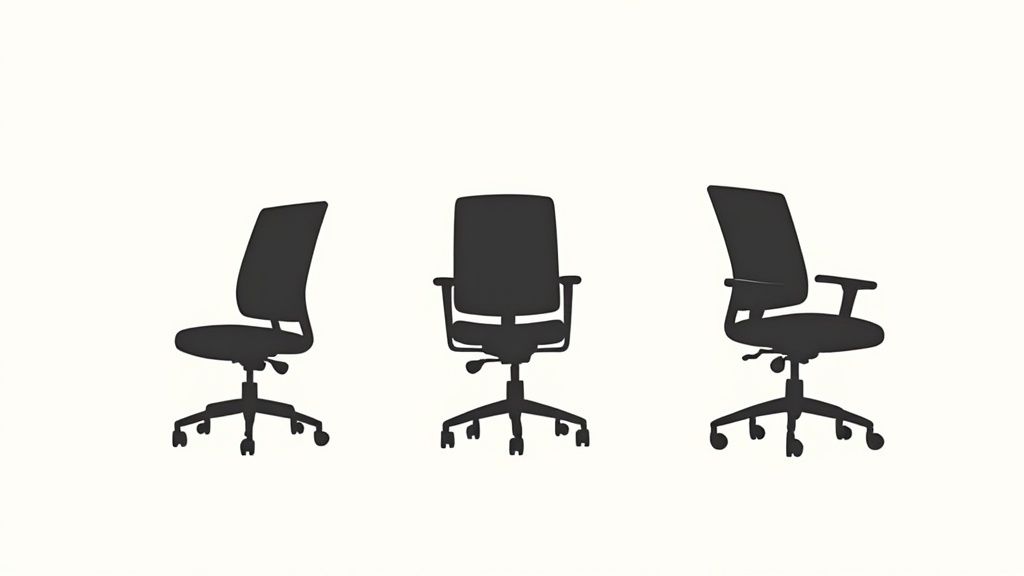
Fixed Lumbar Support
The simplest variant is fixed lumbar support. Here, the curve for supporting the lower back is rigidly integrated into the backrest. There are no adjustment options.
This type of support is better than none. However, it is only ideal if your height and spinal curvature coincidentally match the chair's dimensions. For short periods of sitting, this may be sufficient. For daily use, it is usually not enough.
Manually Adjustable Lumbar Support
The most common solution, recommended for ergonomic work, is manually adjustable lumbar support. With these models, you can precisely adapt the support to the contour of your back.
In Germany, about 17 million people spend their workday sitting. This underscores the importance of individual adjustment. Optimally adjusted lumbar support can reduce muscle tension in the lumbar area by more than 50%. The ability to adjust the height and depth of the support yourself is crucial.
Typical adjustment options include:
- Height adjustment: You slide the support up or down until it sits in the curve of your lumbar spine.
- Depth adjustment: You regulate the counter-pressure with a knob or lever. The support should provide noticeable hold but not push too hard.
This flexibility is why manually adjustable lumbar support is standard in high-quality office chairs. Pay attention to this feature. Discover our selection of ergonomic office chairs with adjustable support here.
Dynamic Lumbar Support
The most technologically advanced variant is dynamic lumbar support. It automatically adapts to your every movement. Whether you lean forward or back, the support follows you and provides constant hold.
Dynamic support enables active sitting. It ensures that your lower back is never unsupported, even when you change your position. This promotes small, continuous movements of the core muscles.
This technology offers the highest degree of ergonomic support because it constantly adapts. The continuous contact with the lumbar spine ensures maximum relief and effectively prevents fatigue.
Comparison of Lumbar Support Types
This overview table compares the three types. This way, you can see at a glance which variant best suits your requirements.
| Type | Adjustability | Ideal for | Price Range |
|---|---|---|---|
| Fixed Lumbar Support | None | People who sit for short periods, occasional users | Low |
| Manually Adjustable Lumbar Support | Height and/or depth adjustable | Most office workers, daily, multi-hour use | Medium |
| Dynamic Lumbar Support | Automatic adjustment to movements | Frequent sitters, people with back problems | High |
The manually adjustable lumbar support is the best compromise between functionality and price for most users. For those seeking maximum comfort and ergonomic support, dynamic support is the best choice.
Adjusting Lumbar Support Correctly
An office chair with lumbar support is only useful if it is correctly adjusted. Improperly positioned support can do more harm than good. Optimal adjustment can be done in a few steps.
The goal is to support the natural S-shape of your spine without causing uncomfortable pressure. Take a moment to adjust your chair to your body. These few minutes will pay off throughout your workday.
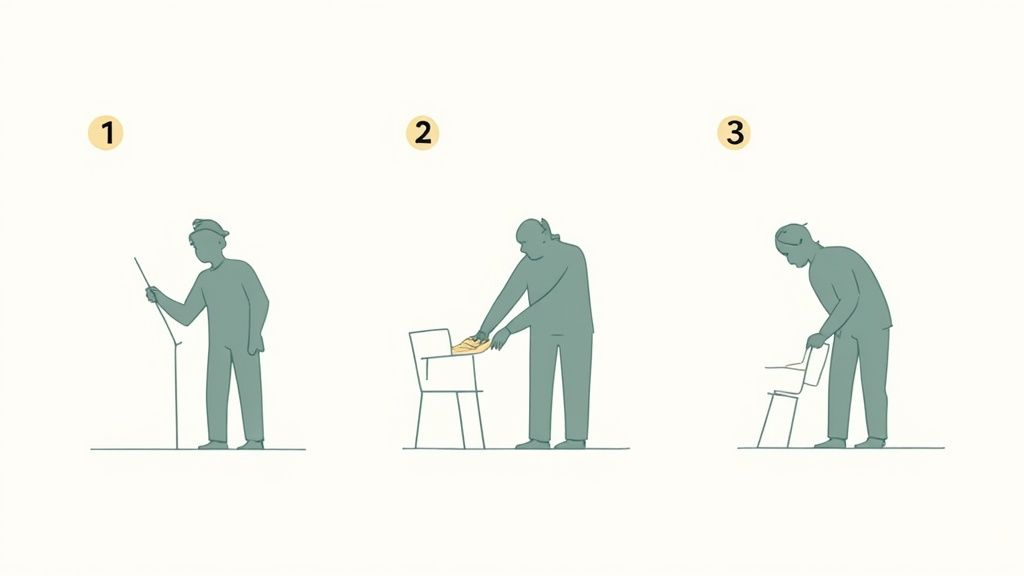
Step 1: Adjust the Height
The correct height is the basis for all further adjustments. The lumbar support must rest precisely in the natural curve of your lumbar spine.
Slide your bottom all the way back against the backrest. Your feet should be flat on the floor, and your knees should form an angle of approximately 90 degrees.
Feel for the natural curve of your lower back. The highest point of the lumbar support should be exactly at this spot. A good rule of thumb is the height of your belt. Adjust the support up or down until it precisely fills this position.
Step 2: Adjust the Depth
After adjusting the height, you set the counter-pressure. The depth, also called the curvature, determines how much the support presses against your back.
The support should be clearly noticeable but not uncomfortable. Too much pressure can cause new tension. Too weak an adjustment is ineffective.
Start with a neutral setting and gradually increase the pressure. Lean back comfortably. The optimal point is reached when you feel that your lower back is gently supported and you almost automatically adopt an upright posture.
A perfectly adjusted lumbar support feels like a supportive hand in your back. It gently reminds you to sit upright.
These settings are only part of the whole. The entire sitting position must be correct. In our guide, you will learn everything you need to know about setting up your office chair ergonomically.
Checklist for Perfect Adjustment
Use this list to check your settings:
- Height check: Is the support in your lumbar curve (approximately at belt height)?
- Depth check: Do you feel a clear but comfortable counter-pressure?
- Posture check: Does your pelvis automatically tilt slightly when you lean back?
- Movement check: Does the support remain in place when you move your upper body slightly?
- Long-term check: Does the setting still feel comfortable after 15 to 20 minutes?
If you can answer "Yes" to all points, you have found a good basic setting. Check this adjustment occasionally.
What Else Makes a Good Office Chair
Good lumbar support is central. The interplay of all components makes an office chair ergonomic. An office chair with lumbar support is the foundation, but other features are crucial.
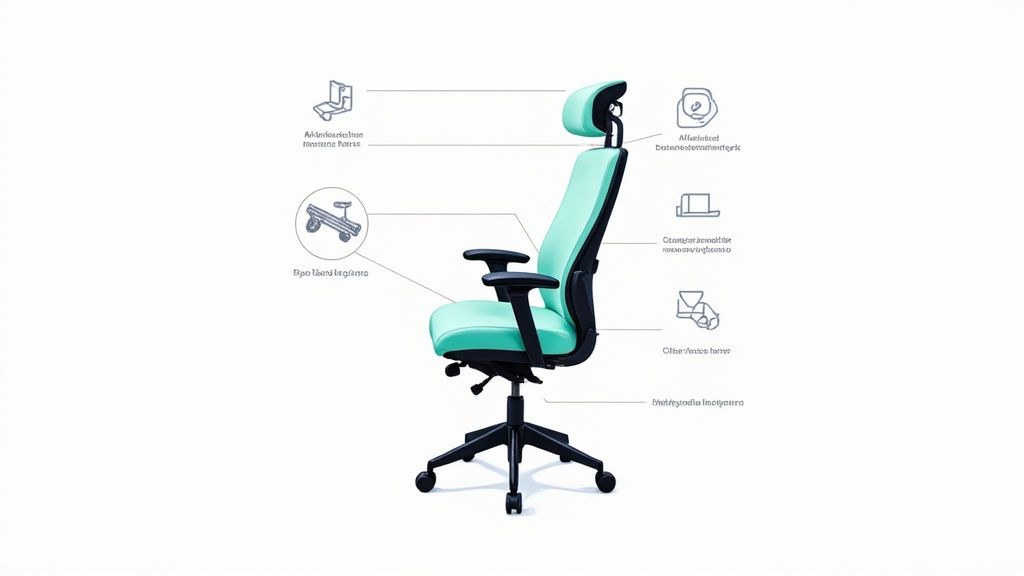
Armrests and Seat Depth
4D armrests are adjustable in height, width, depth, and angle. This provides a good resting surface for your forearms, relieving your shoulder and neck muscles. This prevents tension headaches.
The adjustable seat depth is also crucial. There should be about three to four finger widths of space between your knee pit and the edge of the seat. This allows blood to circulate and prevents pressure on the nerve pathways in your legs.
The Right Mechanism for a Healthy Back
Another core element is the synchronous mechanism. When you lean back, the backrest and seat move in a coordinated ratio.
The synchronous mechanism is the key to dynamic sitting. This change of posture keeps your back muscles active, promotes blood circulation, and supplies your intervertebral discs with nutrients.
Unlike a rocking mechanism, a synchronous mechanism opens the angle between the upper body and thighs. This stretches you and takes pressure off the spine. The backrest's counter-pressure should be adjustable to your body weight.
Quality, Materials, and Certificates
The choice of materials determines durability and seating climate. Breathable mesh backrests are ideal for preventing sweating. High-quality fabric upholstery combines durability with comfort. Castors and the base are also important.
- Base: A solid base made of aluminum or reinforced plastic ensures stability.
- Castors: The castors must match the floor. Soft castors for hard floors like parquet, hard castors for carpet.
Look for certifications such as the GS mark ("Geprüfte Sicherheit" – Tested Safety). It confirms that a product meets the requirements of the German Product Safety Act and stands for safety and ergonomics.
The DGUV recommends office chairs with individually adjustable lumbar support for VDU workstations. To meet these standards, chairs in Germany are typically designed for a body weight of up to 110 kg and daily use of eight hours. You can find more about the official guidelines in the BAuA publication on ergonomic office furniture.
What Happens if You Sit Incorrectly?
The decision to buy a high-quality office chair is more than just a matter of comfort. It is an investment in your health and productivity. Those who consistently sit on unsuitable chairs will feel the consequences.
Poor sitting posture strains the spine. The result is chronic tension or permanent postural damage. These physical problems impair well-being and concentration at work.
The Economic Consequences of Lacking Ergonomics
What begins as a twinge in the back quickly becomes an economic problem. Musculoskeletal disorders (MSDs) are a major reason for work absences in Germany. A large proportion of people in home offices struggle with back, head, or joint pain. The direct healthcare costs for MSDs amounted to approximately 34 billion Euros in 2015. You can find more about the background in this article on ergonomic workplace design at ergonomie-am-arbeitsplatz.de.
For companies, these absences have direct financial consequences:
- Higher sickness costs: Every day of absence costs money through continued wage payments and lost work.
- Lower productivity: Those in pain are unfocused, which affects work quality.
- Poor team morale: An uncomfortable workplace frustrates and weakens employee retention.
An office chair with lumbar support is a tool to protect employee health and secure a company's economic stability.
Investing in ergonomic office chairs quickly pays off. Fewer days of absence and higher performance ensure a clear return on investment (ROI). The cost of good equipment is a sensible business decision.
Frequently Asked Questions about Office Chairs with Lumbar Support
Here we answer the most common questions about lumbar support.
How high should the lumbar support be set?
The support should be in the natural curve of your lower back. A good rule of thumb is to position it approximately at belt height. Your feet should be flat on the floor to find the correct basic posture.
Is hard or soft lumbar support better?
The support should offer noticeable but comfortable support. It should be firm enough to provide hold, but not so hard that it presses uncomfortably. With adjustable models, you can adjust the counter-pressure yourself.
Does everyone really need an office chair with lumbar support?
Yes. Anyone who regularly sits for more than one or two hours at a time benefits from it. Lumbar support is a necessity to maintain healthy posture and reduce the risk of back pain.
Can I simply retrofit lumbar support?
Yes, there are external lumbar cushions. However, an integrated and adjustable support in the chair is almost always the more effective solution. It does not slip and can be more precisely adjusted to the shape of your spine.
A well-designed, ergonomic workplace is the foundation for greater well-being and productivity. At Deskspace, you'll find solutions that support you and your health. Find your ergonomic office chair now at deskspace.de.


