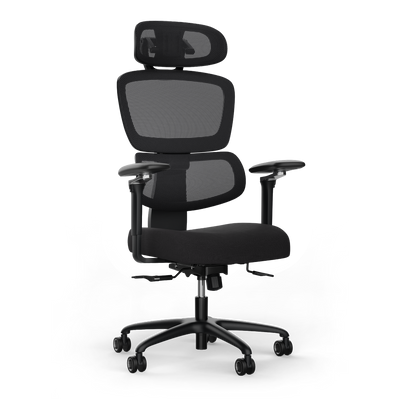
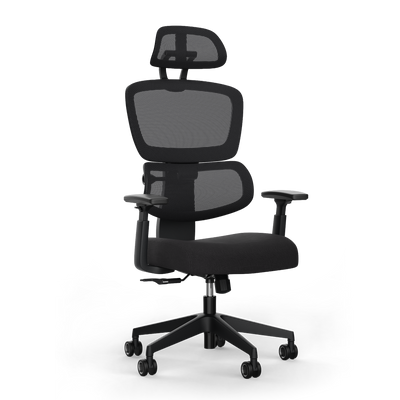


Setting up an ergonomic workstation in 5 steps

When you set up your workplace ergonomically, you adapt your desk, chair, and work equipment to your body. The goal is a neutral posture that protects your joints and muscles. In the long term, this protects your health and increases your productivity.
Why ergonomics is crucial at the workplace
An ergonomic workplace is a necessity for your long-term health. Sitting for hours in a rigid, unnatural posture unilaterally strains your muscles and spine. This is often the cause of typical office complaints.
The consequences are widespread. Chronic back, neck, and headaches are among the most common symptoms resulting from a poorly set up workplace.
The facts about office illnesses
Figures from Germany prove the urgency of the issue. According to a survey by Aktion Gesunder Rücken (AGR) e.V., more than 80 percent of office workers suffer from back pain several times a year. Studies by the Robert Koch Institute show that this develops into a chronic condition in 15.5 percent of cases. The neck and shoulder area is a known weak point.
A well-thought-out design of your workplace counteracts these problems. The right settings and useful tools promote a healthy posture. They effectively prevent tension and pain.
An ergonomically designed workplace is an investment in your own health. Less pain and more well-being directly lead to more focus and efficiency at work.
More than pain avoidance
The benefits go beyond mere damage limitation. An ergonomic work environment demonstrably increases your concentration and work performance. When your body is relieved, you have more mental resources available for complex tasks.
A well-equipped workplace contributes to your well-being and is reflected in your performance. For further suggestions, you can find 10 tips to increase productivity here.
The most common mistakes often have major consequences:
- Incorrect chair height: Your feet have no contact with the floor or your knees are bent too much.
- Poorly positioned monitor: You constantly look down or have to raise your head, which strains the neck.
- Incorrect desk height: You unconsciously shrug your shoulders or bend your wrists when typing.
This article provides you with the basis to identify these errors and rectify them specifically. The following sections are a practical guide to gradually optimizing your workplace.
Adjusting the foundation: Chair and desk
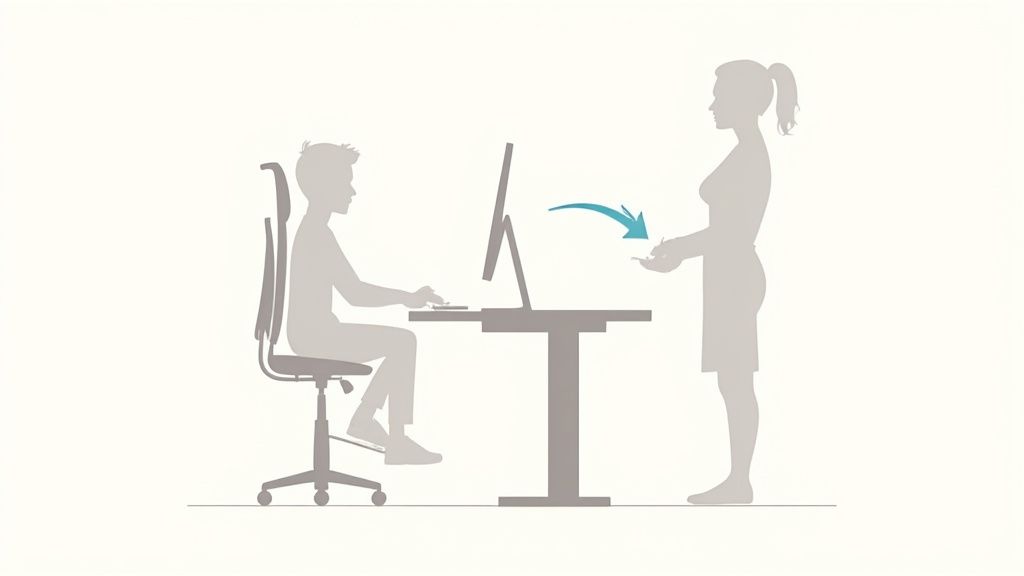
Your office chair and desk are the foundation for an ergonomic workplace. If these two elements are not adapted to you, the effect of further optimizations will be lost. The rule is: always start with the chair.
Your chair is the reference point for everything else. Only when you are sitting correctly can you sensibly determine the height of the desk and the position of the mouse, keyboard, and monitors.
Setting up your office chair correctly
Sit on your chair. Adjust the seat height so that your feet are flat on the floor. Your knees should form an angle of about 90 degrees. Important is the distance between the back of your knee and the front edge of the seat. There should be three to four fingers' width of space here to avoid disturbing circulation.
Next comes the backrest. It must actively support your lower back, the lumbar curve. The curvature of the backrest should adapt to the natural S-curve of your spine.
Finally, the armrests. Adjust them so that your forearms rest loosely, while your shoulders are relaxed. Ideally, your upper and forearms form a 90-degree angle. In our guide, we explain how to find the right office chair and adjust it.
Your feet, knees, and elbows should each form a right angle. This 90-degree rule is a simple mnemonic to check the basic ergonomic setting of your body.
Adapting the desk to the chair
The chair is perfectly adjusted. Now comes the desk. The top edge of the desk surface should be at the same height as your armrests. This allows your forearms to rest flat without you shrugging your shoulders or bending your wrists.
With a height-adjustable desk, this step is easy. You can move the desk surface up or down to the appropriate height with millimeter precision.
The same applies to working while standing. Stand upright and raise the desk until your forearms rest on the desk surface at a 90-degree angle again.
What to do with a fixed-height desk?
There is also a solution for fixed-height desks. You need to rethink. In this case, adjust your office chair to the height of the desk so that your arms are positioned correctly.
If your feet do not reach the floor as a result, a footrest is required. It ensures that your feet are flat and that the 90-degree angle in your knees is maintained.
For an overview, we have summarized the most important steps in a checklist.
Chair and desk adjustment checklist
This table guides you through the correct adjustment and shows what to look out for.
| Adjustment step | Criterion for correct adjustment | Common mistake |
|---|---|---|
| Seat height | Feet flat on the floor, knees forming a 90-degree angle. | Feet not touching the floor or knees too high. |
| Backrest | Lumbar support supports the natural S-curve of the back. | Backrest too far back or supporting in the wrong area. |
| Armrests | Forearms resting loosely with relaxed shoulders (90-degree angle). | Shoulders shrugged, armrests too low or high. |
| Desk height | Desk surface at the same height as the armrests. | Desk too high, leading to shoulder tension. |
With this foundation, the biggest step towards a healthy workplace has been taken.
Optimal arrangement of work equipment: Monitor, keyboard, and mouse
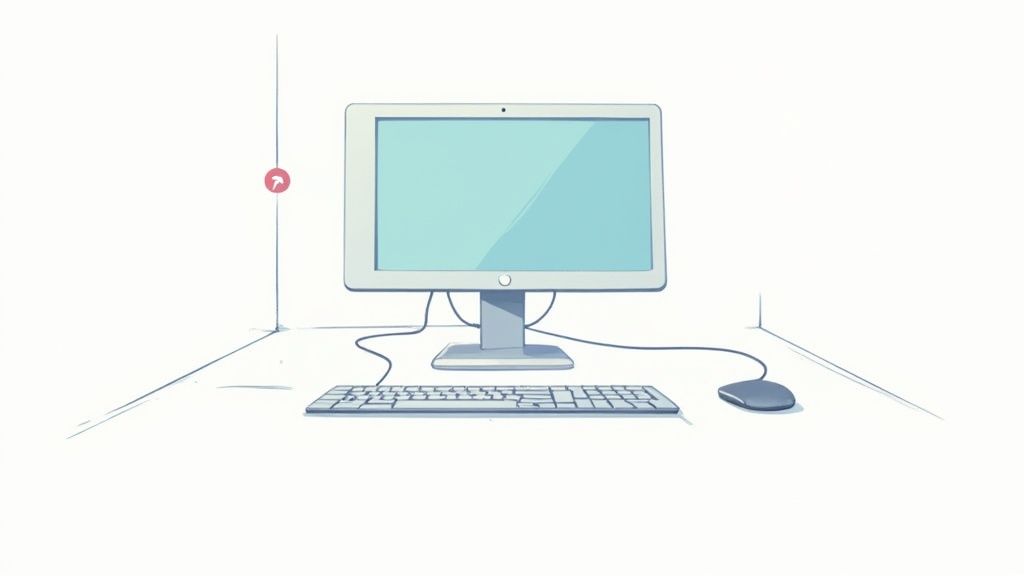
An adjusted desk and chair are the basis. The correct arrangement of your tools makes your setup ergonomic. The position of your monitor, keyboard, and mouse determines whether your neck and wrists remain relaxed.
A conscious alignment of your work equipment specifically prevents poor posture and tension. Often, small adjustments have a big impact.
Positioning the monitor correctly
Your monitor is the centerpiece of your workstation. It determines your head posture and affects your neck muscles. Position it directly in front of you so that you look straight ahead without twisting your head.
The correct height is crucial. As a rule of thumb: the top line of the screen should be at or slightly below your eye level. This prevents unnatural lifting or lowering of your head. The distance between your eyes and the screen should be between 50 and 80 centimeters.
A monitor arm is a good solution for this. It allows for millimeter-precise adjustment in height, depth, and tilt. You also gain space on the desk because the stand is eliminated.
A wrongly positioned monitor is a common cause of neck pain. A minimal but constant bad posture leads to strain on the cervical spine over hours.
Keyboard and mouse for relaxed wrists
Position your keyboard and mouse close to the edge of the desk and your body. The goal is to minimize stretching your arms. Your elbows should remain next to your upper body, while your forearms rest at a 90-degree angle on the desk or armrests.
Both devices must be on the same level to avoid unilateral strain. Make sure your wrists remain straight when typing and clicking. A wrist rest can also provide additional relief. Read more about the benefits of an ergonomic mouse in our article.
The challenge with laptops
Anyone who works on a laptop knows the problem. An ergonomic posture is hardly possible. The permanently connected screen and keyboard force you to tilt your head or raise your arms.
The solution is simple and effective. Treat your laptop like a desktop PC:
- Use an external keyboard and mouse. This is the most important step for correct hand and arm positioning.
- Place the laptop on a riser. A laptop stand or a stack of books raises the screen to eye level.
This combination is the most important adjustment for healthy laptop work. With these steps, you optimize the basic elements to set up your workplace ergonomically.
What improves your ergonomic setup: Useful accessories
An adjusted chair and desk are the foundation. When your monitor, keyboard, and mouse are correctly placed, you have created a good basis. However, small helpers often make the decisive difference for your well-being. With the right accessories, you can specifically address weaknesses in your setup.
This involves functional tools that solve specific problems. They help you maintain a neutral posture, relieve muscle groups, and create more space on your desk.
Monitor arms for maximum flexibility
A monitor arm is an effective upgrade for any workstation. It allows for millimeter-precise adjustment of your screen in height, depth, and tilt. This is often impossible with a standard stand. This way, you can position the top edge of your monitor exactly at eye level and prevent neck tension.
Additionally, you gain space under the screen. This free space ensures a tidy look and can be used for notes or other utensils.
Footrests if the floor is too far away
If you work at a fixed-height desk, you know the problem. You adjust your chair correctly, and your feet no longer touch the floor. A footrest helps here. It is indispensable to maintain the 90-degree angle in your knees and relieve your thighs.
This reduces pressure on the lower back and promotes a stable sitting posture. Look for a model that can be adjusted in height and tilt angle.
Accessories should always solve a specific problem. Analyze your sitting posture before purchasing aids. Find out where your body needs more support.
Ergonomic mice and keyboards
Those who work for hours with a standard mouse or keyboard often force their forearms into an unnatural posture. This strains the wrists and can lead to complaints such as carpal tunnel syndrome.
Ergonomic input devices support the natural position of hands and arms:
- Vertical mice: They bring your wrist into a neutral "handshake" position, reducing forearm rotation.
- Split keyboards: These models allow you to position your hands at a more natural angle, relieving tension in your shoulders and wrists.
Additional aids for an organized workplace
Other small tools can also make your daily work life more pleasant. A document holder, placed between the keyboard and monitor, saves you from turning and lowering your head sideways when typing from paper documents.
A headset is also a good investment, especially for many phone calls. It frees your hands and prevents the unilateral neck strain that occurs when cradling the phone. Each of these accessories helps to adapt your workplace to your body and minimize strain.
Implementing ergonomics in the home office
The home office presents its own ergonomic challenges. While professional equipment is often available in the office, it is frequently lacking at home. Many work at the kitchen table or on the sofa. This is harmful to the body in the long run.
A central problem is the lack of movement. The walk to the coffee machine is short, and interaction with colleagues happens digitally. Unconscious movements of daily office life are eliminated. At the same time, furniture such as dining chairs are not designed for eight hours of concentrated work.
Typical risks and quick solutions
The biggest dangers in the home office are unsuitable furniture and a rigid posture. The kitchen table is usually too high, forcing you to shrug your shoulders. The sofa allows your back to sink into an unnatural shape. Both lead to tension.
Even with simple means, much can be improved to make your workplace more ergonomic.
- Cushion as support: Your chair doesn't have lumbar support? A firm cushion in the lumbar region supports the natural S-curve of your spine.
- Raise monitor: A stack of books under the laptop or monitor brings the screen to the correct eye level.
- Improvise a footrest: If your feet don't reach the floor, use a box or a thick file folder as a temporary footrest.
These are not permanent solutions. However, they help to correct the worst posture mistakes in the short term. In our article, you will learn which furniture items are particularly important for the home office.
The reality of the home office
Statistics underline the urgency of the matter. According to a survey, 66 percent of people working from home report regularly suffering from back, head, or joint pain. Only 47 percent have all the necessary ergonomic aids.
What is most often missing? A suitable desk (29 percent), an adjustable office chair (23 percent), and an external screen (21 percent). 79 percent of respondents received no support from their employer to set up their workplace ergonomically.
An ergonomic workplace in the home office is not a luxury. It is a basic prerequisite for your health and productivity. Even small changes can have a big impact.
In the long run, professional basic equipment is necessary. A height-adjustable desk and an ergonomic office chair are the basis for staying healthy and productive at home. Consider it an investment in your health.
Movement as the key to dynamic work
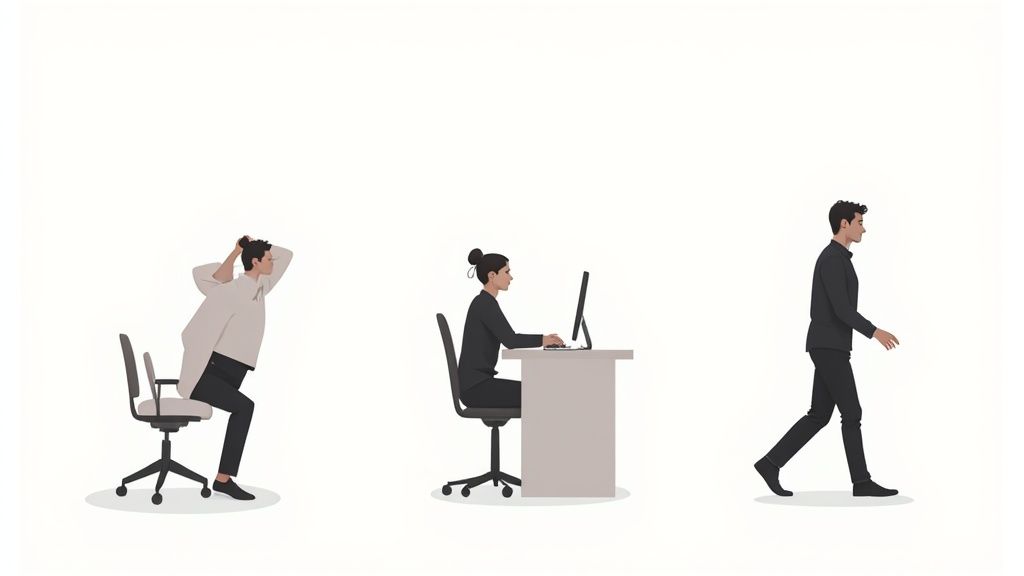
Even the perfectly equipped workstation cannot compensate for the consequences of hours of sitting. Your body is made for movement. Therefore, it is crucial to make your workday dynamic.
Regular changes in posture and short breaks are indispensable. They get your circulation going, supply your muscles with oxygen, and keep your intervertebral discs supple.
A height-adjustable desk is an ideal tool for this. The alternation between sitting and standing activates different muscle groups and prevents a passive posture.
Simple exercises for daily work
Integrate small movement units into your workday. You can perform these stretches inconspicuously. They counteract tension before it becomes a problem.
- Neck stretch: Gently tilt your head to the side, as if you want to touch your shoulder with your ear. Hold the stretch for 15-20 seconds and then switch sides.
- Shoulder circles: Slowly pull your shoulders up to your ears and then let them fall backward and downward in a circular motion. Repeat this several times.
- Chest opener: Clasp your hands behind your back. Straighten your arms and pull your shoulder blades together. This opens the chest and counteracts the forward-bent posture.
In addition to correct posture, active movement is important. It's about staying fit and effectively increasing your endurance and performance, which affects your overall fitness.
A rule of thumb for a dynamic workday is the 40-15-5 formula. Per hour, you should sit for about 40 minutes, stand for 15 minutes, and take 5 minutes to walk around actively.
This conscious change keeps you physically active and promotes concentration and creativity. Studies show that ergonomically optimized workplaces can increase performance by up to 17 percent.
Such an investment often pays for itself in less than a year through reduced downtime and higher productivity. Movement is a central building block for an ergonomic workplace.
The most frequently asked questions about ergonomics at the workplace
Are you setting up your workplace ergonomically and still have questions? Here you will find concise answers.
How high should my desk be?
The desk surface should be exactly at the height of your elbows while you are sitting and your arms are resting at a 90-degree angle. The same principle applies when standing. Elbow height is the benchmark.
A height-adjustable desk is valuable. It allows you to adjust both positions with millimeter precision.
Is a good chair enough for ergonomics?
An ergonomic chair is the foundation. However, it alone does not make a healthy workplace. If the desk is too high or too low, you will still be sitting incorrectly.
The correct desk height is equally crucial. Only the interaction of an adjusted chair, appropriate desk height, positioned monitor, and accessible keyboard and mouse ensures a healthy posture.
How often should I switch between sitting and standing?
A good rule of thumb is the 40-15-5 rule: about 40 minutes sitting, 15 minutes standing, and 5 minutes actively walking around per hour.
The regular change itself is important. Every change in posture activates your muscles, stimulates blood circulation, and relieves the spine.
This dynamic way of working is an important factor in designing your workplace ergonomically.
Are you ready to optimize your workplace? Discover the TÜV-certified, height-adjustable desks from Deskspace and find the basis for your ergonomic setup. Visit us at https://deskspace.de.


