

Setting up your home office for increased productivity

Those who want to set up their home office workstation lay the foundation for daily productivity and well-being. An ergonomically designed area prevents physical complaints and promotes concentration.
The Basis for a Healthy and Productive Workstation
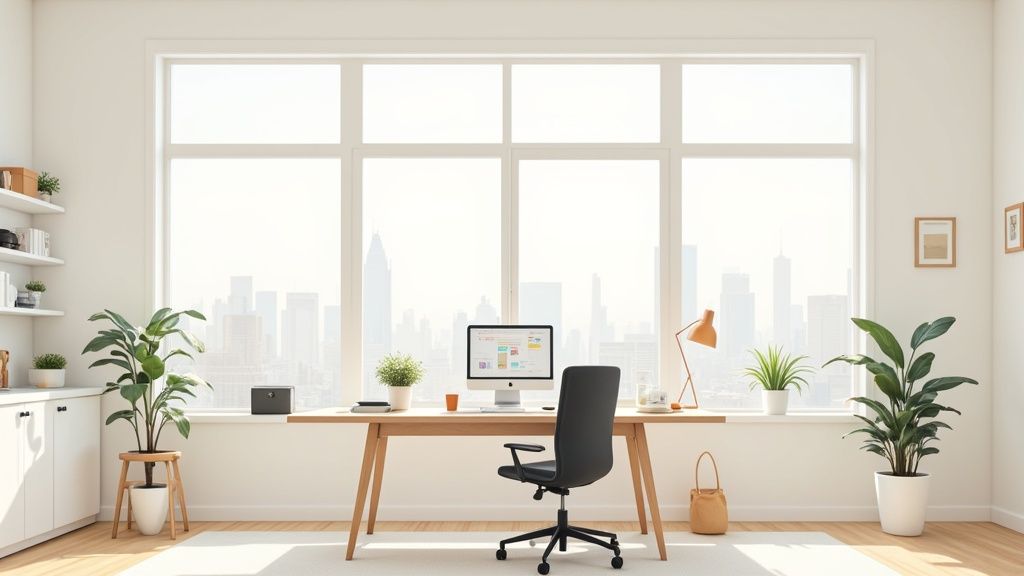
A well-planned home office workstation is a necessity for anyone who regularly works from home. By selecting the right components, you lay the foundation for working healthily and efficiently in the long term.
A professional environment helps you create a clear mental separation between work and private life. A functional and tidy workspace signals to your brain that it's time to focus.
Why Ergonomics Makes the Difference
Ergonomics means adapting the workplace to one's physical needs. Incorrect posture quickly leads to tension in the neck, back pain, or problems with the wrists. An ergonomic setup actively counteracts this and increases performance.
Key elements include:
- A height-adjustable desk that allows switching between sitting and standing.
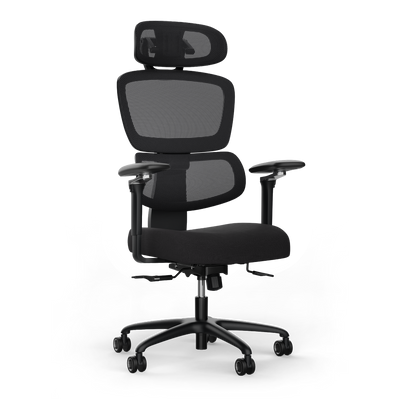
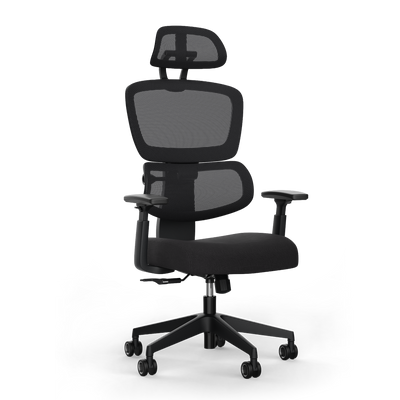
- An ergonomic office chair that supports healthy posture and can be individually adjusted.
- The right lighting that protects your eyes and maintains concentration.
A well-thought-out workstation is a direct investment in your health and productivity. It minimizes physical stress and maximizes your ability to work with focus.
The following checklist summarizes the basic building blocks for a well-equipped home office.
Checklist for Your Home Office Basic Equipment
An overview of the essential components for a functional workstation.
| Component | Most Important Feature | Benefit for Your Productivity |
|---|---|---|
| Ergonomic Office Chair | Individually adjustable | Prevents back pain, promotes upright posture |
| Height-Adjustable Desk | Switch between sitting & standing | Boosts circulation, prevents fatigue |
| External Monitor | Eye-level positioning | Relieves neck muscles, improves overview |
| Good Desk Lamp | Glare-free & adjustable | Protects eyes, promotes concentration in dim light |
| Cable Management | Tidy cable routing | Reduces distraction, creates a clear workspace |
These components form the framework. They are the foundation for a productive and healthy workday.
The Importance of the Home Office Today
The home office is an integral part of the modern working world. Last year, around 24.5 percent of employees in Germany worked at least partially from home. For service providers, this share was even 34.3 percent. These figures, also confirmed by the ifo Institute in a study on home office usage, show the relevance of professionally furnishing a home workstation.
This development underscores how important it is not to view one's setup as a temporary solution. Durable and high-quality equipment is crucial to reap the benefits of working from home without health disadvantages.
Choosing and Adjusting Ergonomic Furniture Correctly
Furniture only achieves its full effect when perfectly adjusted to you. Those who want to set up their home office and stay healthy in the long term must precisely adjust their desk, chair, and monitor.
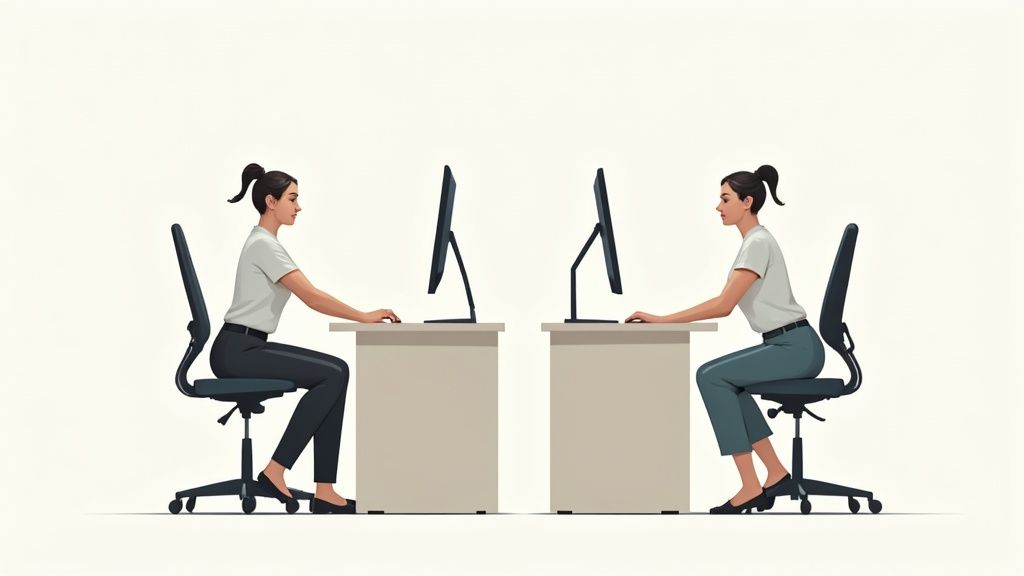
This process ensures that your body maintains a neutral, relaxed posture. This way, you avoid strain on your spine, neck, and joints. Check your settings regularly and readjust as needed.
Adjusting Your Height-Adjustable Desk
A height-adjustable desk is the heart of a dynamic workstation. Start by adjusting it while sitting.
Sit upright in your chair with relaxed shoulders. Your upper and lower arms should form an angle of about 90 to 100 degrees. Your forearms should rest flat on the desktop. You should be able to reach the keyboard without bending your wrists.
A similar principle applies to the standing position. Stand upright in front of the desk. Raise the desktop until your arms again form a 90-degree angle and your forearms rest comfortably. Your wrists should remain straight.
Adjusting the Office Chair Correctly
Utilize the adjustment options of your ergonomic chair. The correct seat height is the basis. Place your feet flat on the floor, so your knees form an angle of approximately 90 degrees.
Equally important is the seat depth. There should be about two to three fingers' width of space between your knee hollow and the front edge of the chair. This ensures blood circulation in your legs. The backrest, especially the lumbar support, should support the natural S-curve of your spine.
Armrests do not support your entire weight. Adjust them so that your forearms rest loosely and your shoulders remain relaxed. This relieves stress on your shoulder and neck muscles.
Further details can be found in our article on The most important components of a healthy ergonomic workstation.
Positioning Monitor and Peripherals
The position of your monitor determines whether you suffer from neck pain. As a rule of thumb: the top edge of the screen should be at or just below your eye level. Your gaze then falls slightly downwards without you having to tilt your head.
The ideal viewing distance is between 50 and 70 centimeters. Position your keyboard and mouse close enough so you can operate them with straight wrists and relaxed shoulders.
The following table gives you initial values. Consider them a starting point and adjust the settings to your personal comfort.
Guidelines for Ergonomic Adjustment
This table provides adjustment recommendations for the desk, chair, and monitor based on your height.
| Height | Desk Height Sitting (cm) | Desk Height Standing (cm) | Chair Height (cm) |
|---|---|---|---|
| 165 cm | approx. 66 | approx. 103 | approx. 43 |
| 175 cm | approx. 70 | approx. 109 | approx. 46 |
| 185 cm | approx. 74 | approx. 115 | approx. 49 |
| 195 cm | approx. 78 | approx. 121 | approx. 52 |
Use these numbers as a guide. Every body is different, so small deviations are normal.
The Right Technical Setup for Smooth Processes
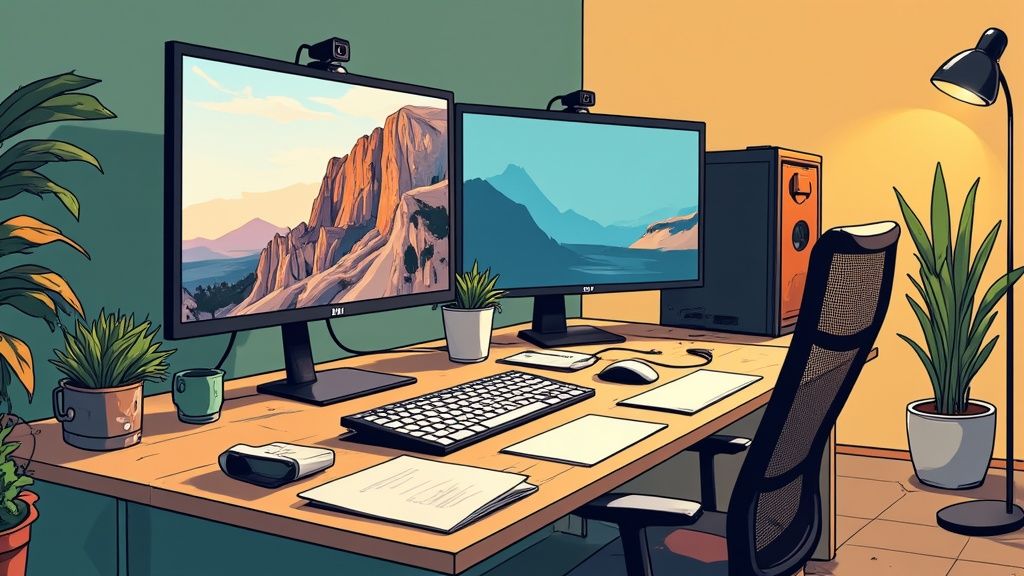
If you want to set up your home office workstation, the right technology is just as crucial as ergonomic furniture. A well-thought-out setup supports your processes and protects your health.
A single, large monitor is sufficient for many tasks. Those who work a lot in parallel appreciate a dual-monitor setup. This increases productivity for complex jobs. You can research on one screen while typing on the other.
The Right Lighting Against Tired Eyes
Good light prevents eye strain and fatigue. Natural daylight is the best light source. Position your desk sideways to the window. This prevents glare on the screen.
For dark days or evening work, a good desk lamp is indispensable. Pay attention to the following points:
- Light color: Cool white light above 4000 Kelvin promotes concentration.
- Positioning: Place the lamp so that it illuminates your work area but does not glare. For right-handers, it should be on the left; for left-handers, on the right.
- Brightness: An illuminance of around 500 lux is ideal for screen work. Many LED lamps are dimmable and can be adjusted.
Targeted illumination of your workspace prevents your eyes from constantly having to adapt to different brightness levels. This reduces strain and helps you stay focused longer.
Cable Management for a Clear Head
A tidy desk ensures clear thoughts. Visible cable clutter disturbs concentration. Well-thought-out cable management looks better, prevents tripping hazards, and facilitates cleaning.
Practical solutions like cable trays under the tabletop hide power supplies and excess cable lengths. Cable sleeves bundle cables from the desk to the socket. In our guide, you'll find tips for perfect cable management at the workplace.
Important Accessories That Make a Difference
For professional video conferences, a good webcam and high-quality headset are required. The technology built into laptops is often insufficient. an external webcam provides a sharp image. A headset with noise-canceling functionality filters out distracting background noise.
Besides hardware, the right software is also crucial for efficiency. If you write a lot, you'll find recommendations for The best free writing programs here.
The combination of ergonomic furniture and a coherent technical setup creates optimal conditions for successful working from home.
The Perfect Setup for Your Job: From Power User to Office Manager
A home office workstation is as individual as the person working there. The ergonomic basis is always important. The details determine whether a setup merely functions or truly advances you.
The requirements of a software developer differ from those of a graphic designer or a manager. Priorities shift depending on the daily work routine. A height-adjustable desk is almost always the perfect foundation, which you can optimize with the right accessories.
The Setup for Power Users and Concentrated Work
As a power user, you spend many hours highly concentrated at your desk. Your goal is maximum efficiency without distraction. Ergonomics and stability are the foundation for remaining productive and pain-free.
For this scenario, the following key components are important:
- A sturdy desk: Nothing should wobble here. A model like the DESKSPACE PRO PLUS with a solid steel frame and a load capacity of 160 kg ensures stability even with multiple heavy monitors.
- A high-quality ergonomic chair: Your chair must follow every movement and support your back. A synchronous mechanism and an adjustable lumbar support are essential.
- Plenty of space: A desktop of at least 180x80 cm is ideal. This provides enough surface for a multi-monitor setup, documents, and peripherals.
Consider your workstation as a cockpit. Everything is within reach, tailored to you, and designed for performance. This allows you to deeply immerse yourself in your tasks.
The Setup for Creatives and Tech Professionals
For creatives, designers, and tech professionals, the workspace is part of the creative process. A tidy, inspiring environment is just as important as technical performance. Function and aesthetics must work together.
Here, the priorities are different:
- Strong and quiet motors: Any noise disturbs the flow. A desk with whisper-quiet drive is crucial. The lifting capacity must be sufficient to move heavy equipment effortlessly.
- High-quality materials and clear design: A solid wood desktop or a minimalist surface integrates better into a sophisticated environment.
- Perfect cable management: Visible cable clutter destroys aesthetics. Integrated cable trays and magnetic guides are a must for a flawless look.
Solutions for Office Managers and Companies
If you, as an office manager, are furnishing multiple workstations for a team, other aspects are important. It's about longevity, low maintenance, and a uniform, professional appearance.
For equipping teams, these aspects are crucial:
- Certified and tested quality: Products with TÜV and IGR certification provide assurance in terms of ergonomics and safety. This is important for employee health and corporate responsibility.
- Long-term guarantees: A guarantee of up to 10 years on desks and chairs is a sign of quality and secures the investment.
- Simple logistics and assembly: Solutions that can be set up quickly save time and resources. This applies to furnishing an office and shipping to a home office.
Well-thought-out solutions are becoming increasingly important. Around 23.5 percent of employees in Germany regularly work from home. Among IT service providers, executives (40.5 percent), and self-employed individuals (39.9 percent), this model has become established. Further insights can be found in the current home office statistics and trends on persoblogger.de.
What Really Matters When Setting Up Your Home Office: Your Questions, Our Answers
Those setting up their home office often have the same questions. The answers form the foundation for a productive work environment. Here, we clarify the most common points.
How do I set my desk to the correct height?
The ideal desk height depends on your body height. There is a simple guiding principle.
When sitting, the height is ideal if your forearms rest on the tabletop at a 90-degree angle. Your shoulders should hang relaxed downwards.
The same applies to working while standing. Stand upright and raise the tabletop until your arms again form a 90-degree angle. Guideline values are approx. 68 to 76 cm when sitting and 105 to 120 cm when standing. Personal measurement is the decisive step.
What ergonomic accessories do I really need?
A good desk and chair are the foundation. Three other helpers improve health and concentration.
- An external monitor: Position it so that the top edge is at eye level. This prevents neck tension.
- An external keyboard and mouse: They allow for a natural wrist posture. This relieves shoulders and arms.
- A good desk lamp: It illuminates the work area without glare. This protects the eyes and helps you stay focused.
These three elements are essential tools for a healthy and productive workday.
A well-thought-out setup with the right accessories is a direct investment in your well-being. It reduces physical strain and frees up your mind for your tasks.
How much space does a good workstation need?
A dedicated room is ideal, but a clearly defined, quiet corner in a larger room also works. More important than the square footage is the design of the area.
For the desk itself, you should plan for a surface of at least 160x80 cm. This size offers enough space for monitors, laptop, and documents.
Additionally, there needs to be freedom of movement for your chair. Allow for a good square meter behind the desk. The mental separation is crucial. A clearly defined work area helps you switch off after work.
Would you like to equip your workstation with certified, ergonomic furniture that suits you? Discover the solutions from Deskspace. Find your ideal desk on deskspace.de now and create a setup that supports you every day.


