

Height-Adjustable L-Shaped Desk: Guide and Benefits

An L-shaped height-adjustable desk is a solution for anyone who wants to combine a large work surface with the benefits of dynamically switching between sitting and standing. It transforms an often unused corner into an ergonomic work hub.
What is an L-shaped height-adjustable desk?
An L-shaped height-adjustable desk is an electrically adjustable desk frame that connects two tabletops at a 90-degree angle. This design efficiently utilizes corners that would otherwise remain empty or be used inefficiently.
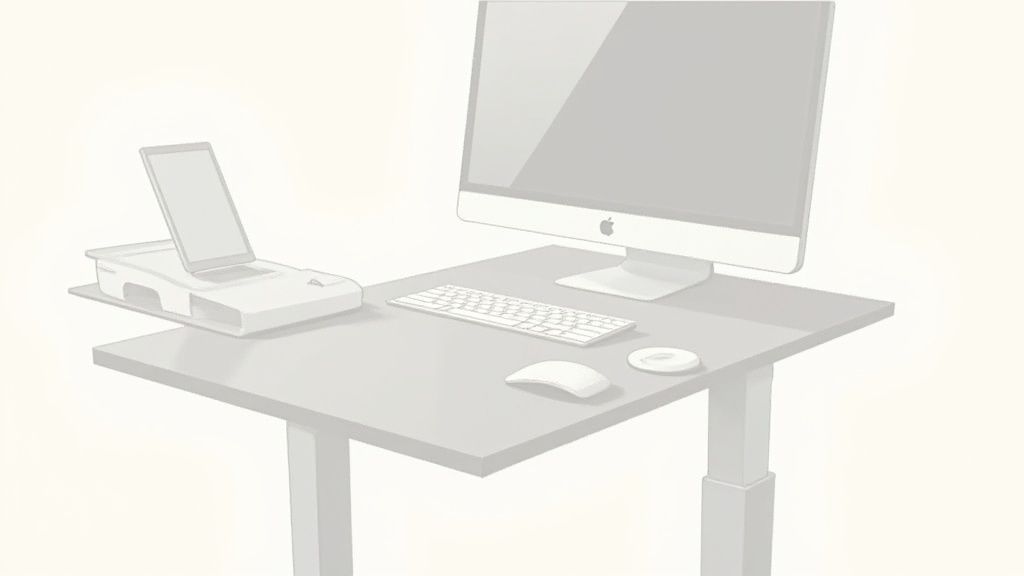
You can imagine the desk as a personal command center. One side serves as the main workstation for monitors, keyboard, and mouse. The second side provides an extended work or storage area.
The basic principle of the L-shape
This design combines generous space with modern ergonomics. While a normal desk often offers only one surface, the L-shape creates two distinct, separate zones.
This structure helps organize the workspace:
- The digital zone: Your screen work takes place on the main leg.
- The analog zone: The side leg is suitable for documents, notebooks, sketches, or devices like printers or drawing tablets.
This division keeps your immediate work area tidy. Important tools are still within arm's reach, without causing clutter.
Electric height adjustment
The core feature is the electric height adjustment. With the touch of a button, the entire L-shaped work surface moves up or down. This allows you to effortlessly switch between a sitting position and a standing height.
This change counteracts the negative consequences of prolonged, rigid sitting. It stimulates circulation, relieves strain on the spine, and can improve concentration. Unlike a fixed corner desk, a height-adjustable model flexibly adapts to your body size and the task at hand. The large, continuous surface moves as a single unit, ensuring stability and comfort.
What an L-shaped sit-stand desk really offers
An L-shaped height-adjustable desk offers more than just a large work surface. Its benefits lie in three areas that can improve your daily work life.

Let's start with the most important aspect: your health. Hours of sitting can lead to chronic pain. The regular change between sitting and standing actively counteracts this.
Better for ergonomics and health
Movement relieves your back muscles, promotes blood circulation, and supplies the brain with more oxygen. This makes you feel better and stay more focused throughout the day.
A study by the Federal Institute for Occupational Safety and Health (BAuA) showed that employees at sit-stand workstations reported fewer complaints. Back pain decreased by 32% and neck tension by 27%.
The ability to effortlessly switch between sitting and standing promotes a dynamic posture. In addition, regular exercises to improve posture strengthen your back in the long term.
Clever use of space
The second advantage is intelligent space utilization. The L-shape is ideal for making use of room corners, creating a clearly structured and tidy work environment.
One side serves as the main digital workspace with monitors, keyboard, and mouse. The other side is intended for analog tasks such as reviewing documents or sketching. This separation ensures a clear workflow and less distraction. Everything has its place and remains within reach.
Maximum flexibility in daily work
Thirdly, such a desk offers high flexibility. It adapts to your body size and your tasks. The correct setting is crucial. Our guide shows you how to find the optimal height for your desk.
This adaptability supports you in every situation:
- Focused individual work: You can concentrate on complex topics while sitting.
- Creative brainstorming: When standing, you work more dynamically, which is ideal for new ideas.
- Brief discussions: Colleagues can stand at the desk for quick meetings.
Your workplace adapts to you, not the other way around. This feature makes the L-shaped height-adjustable desk an important tool for productive and healthy work.
What to look for when buying
An L-shaped height-adjustable desk is an investment in your productivity and health. Pay attention to a few technical details to ensure the desk fits your space and functions stably and reliably in the long term.
Correctly assess dimensions and load capacity
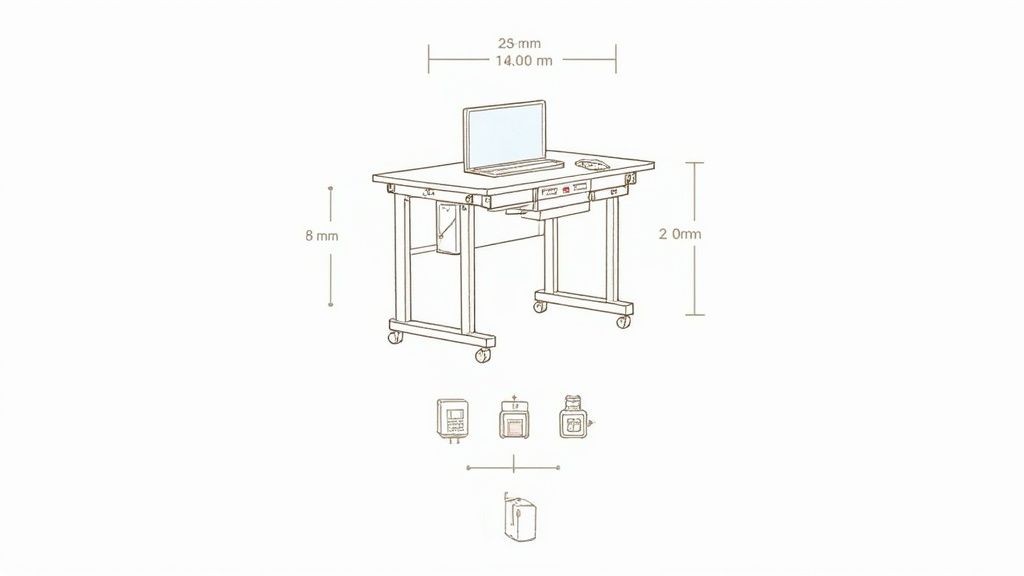
The first step is measuring. Measure the walls from the corner where the desk will stand. Take into account obstacles such as windows, doors, or radiators. Tip: Outline the desk's dimensions on the floor with painter's tape. This will give you a better feel for the size.
Equally important is the load capacity. Add up everything that will be on the desk: monitors, PC, speakers, and accessories. Plan for a buffer. A setup with multiple monitors and heavy equipment requires a strong foundation to remain stable at any height.
An L-shaped height-adjustable desk must safely support the weight of your entire setup. An undersized load capacity can lead to wobbling and eventually wear out the motors.
If you wish to dispose of your old desk, a furniture disposal guide offers practical tips.
The crucial role of motorization
For an L-shaped desk, three motors have become the technical standard. Each of the three desk legs has its own drive. This design ensures that the large and often unevenly loaded tabletop raises and lowers synchronously, quietly, and without jerking.
Models with only two motors are usually not a good solution for this shape. The weight is often too unevenly distributed, which can lead to tilted or jerky movement. This stresses the mechanics and shortens its lifespan. Whether electric or manual is the better choice, you can find out in our guide Crank vs. electric: Which is the right height-adjustable desk for you.
Comparison of motorization in L-shaped desks
This table shows the differences and advantages of desks with two motors compared to models with three motors.
| Feature | Two motors | Three motors (Recommended for L-shape) |
|---|---|---|
| Stability | Lower, prone to wobbling with uneven load | Very high, as each leg is individually driven |
| Movement | Potentially jerky or tilted, especially with heavy weight | Smooth, synchronous, and quiet |
| Load capacity | Often lower, designed for light setups | Significantly higher, ideal for multiple monitors and heavy equipment |
| Lifespan | Higher wear due to uneven loading | More durable, as the load is optimally distributed |
| Suitable for | Simple, rectangular desks | Large, L-shaped tabletops with complex setups |
Three motors are a technical necessity for stability and a long lifespan in an L-shaped model.
Convenience features like the memory function
A memory function stores your ideal sitting and standing height. A single button press is enough, and the desk moves precisely to the desired position. This makes switching between sitting and standing so easy that you'll use it regularly without having to readjust.
A look at the market shows that 85% of L-shaped models sold are electrically height-adjustable. Of these, 60% have a memory function. The average load capacity is 150 kg, while premium models can support up to 240 kg. Three motors have become the standard for stability.
Optimally planning your L-shaped setup
An L-shaped height-adjustable desk unfolds its full potential with the right planning. A well-thought-out setup not only looks professional but is also the key to maximum productivity and ergonomics.
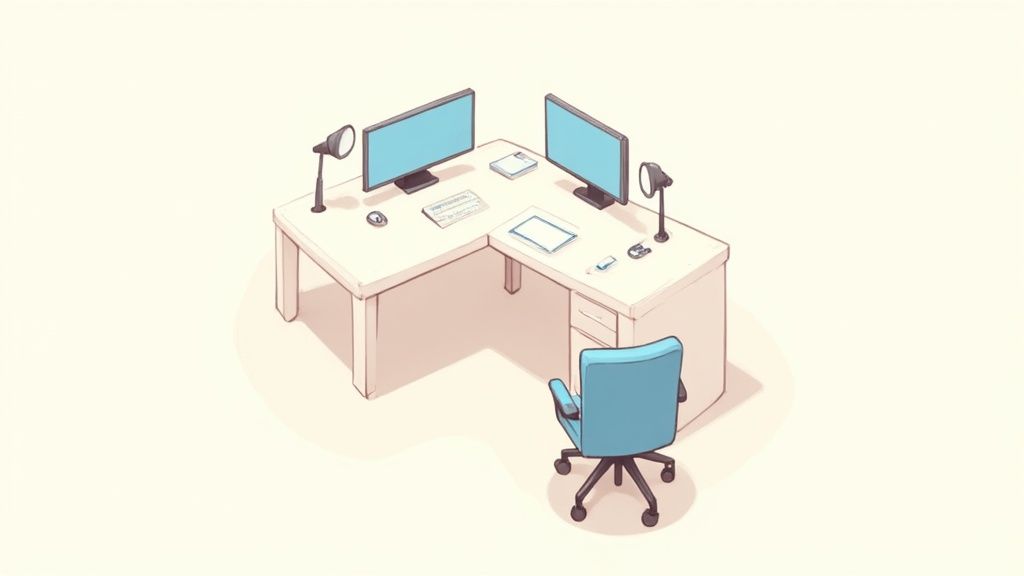
The first step is clearly defining your work zones. This conscious division prevents chaos and ensures that every tool has its place.
Define your work zones
The L-shape is ideal for a thematic division of the workspace. An effective method is the separation between a digital and an analog area.
- The main leg for digital tasks: Here you place monitors, keyboard, mouse, and a docking station. This is your command center.
- The side leg for analog tasks: Use this area as storage for documents, for handwritten notes, or as a place for a drawing tablet. It can also serve as a zone for short meetings.
This separation creates order on the desk and mental clarity. Your focus remains on the current task, while other materials are within reach but not distractingly in view.
Ergonomically arrange monitors
The correct position of your monitors is crucial to prevent neck and eye strain. This is especially important for setups with multiple screens.
Align your main monitor directly in front of your sitting position. The top edge of the screen should be at or just below your eye level. This allows your gaze to be slightly downward, which promotes a relaxed neck posture.
For a two-monitor setup, there are two proven arrangements. Either you place both monitors symmetrically and at a slight angle to each other in the corner of the desk. Or you align the main monitor frontally and place the secondary monitor sideways next to it, slightly turned towards you.
Cable management for order and safety
A clean setup often starts invisibly under the desk. For a large height-adjustable corner desk, cable organization is crucial for aesthetics and safety.
Use cable trays under the tabletop. Power strips, power supplies, and excess cable lengths can be stored there. With cable snakes or flexible cable channels, you bundle the cables from the desk to the floor.
Good cable management is essential for an L-shaped height-adjustable desk. It prevents cables from getting caught when moving up or down, protecting your equipment from damage.
What else your L-shaped desk needs: Useful accessories
An L-shaped height-adjustable desk is a good foundation for a productive workplace. Only the right accessories make your setup complete. The right additions increase comfort and optimize your workflows.
More space and better posture thanks to monitor mounts
For a corner desk, monitor mounts are a sensible addition. Instead of placing your screens on stands, you attach them to a flexible swivel arm. This immediately creates free space on the tabletop.
More important is the ergonomic advantage. With a mount, you can position your monitors exactly at eye level. This promotes an upright head posture and prevents neck tension. With multiple screens, you can arrange them optimally with a flexible arm.
Well-designed cable management
A tidy workplace often begins invisibly under the tabletop. For a large height-adjustable corner desk, cable organization is crucial for aesthetics and safety.
- Cable trays: You screw them under the tabletop to store power strips, power supplies, and cables.
- Cable snakes: These flexible channels bundle cables from the desk to the floor. They move with the desk and prevent anything from getting caught.
- Cable clips and Velcro straps: These helpers allow you to neatly route individual cable strands along the desk frame or the edge of the table.
Good cable management is more than just aesthetics. It protects your devices from damage, as no cables get pinched when moving up and down.
Further additions for your setup
There are other accessories that can improve your workspace. These additions are designed to fully exploit the potential of your L-shaped desk.
An ergonomic office chair is the logical complement to a sit-stand desk. It promotes an active sitting posture and ensures maximum comfort and back relief during sitting phases.
Other useful aids can be:
- CPU holder: Mount your PC tower directly under the tabletop. This frees up floor space and ensures that cables move up with the desk.
- Under-desk drawers: They offer storage space for pens and notebooks without taking up space on the desk surface.
- Privacy screens: Ideal for open-plan offices to create a visually calm zone and promote concentration.
The combination of monitor mounts, tidy cable management, and a good chair forms the basis for a professional and ergonomic workstation at a corner desk.
The Deskspace Corner – a practical example
Theory is one thing, practice is another. Let's take the Deskspace Corner as an example to see how quality features are implemented in a modern, height-adjustable corner desk. It is designed for stability and a long lifespan.
An important detail is its three motors. Each of the three desk legs has its own drive. This design ensures that the large work surface always moves synchronously and quietly, even with uneven weight distribution.
Technical details and individual customization
With a large desk, stability is crucial. Models like this are designed to safely support even heavy setups with multiple monitors and accessories. The high lifting capacity and robust construction prevent wobbling at any height.
To ensure the desk fits your space and style, there are various customization options:
- Various tabletop sizes: There are various dimensions for an optimal fit.
- Materials and colors: A selection of decors ensures seamless integration into your interior.
- Flexible assembly: The shorter leg can be mounted left or right, allowing maximum freedom in room planning.
Demand for ergonomic solutions has risen sharply. Industry reports show that sales of ergonomic office furniture in Germany increased by an average of 18% per year between 2015 and 2023. In 2023, L-shaped models accounted for around 35% of the market for height-adjustable corner desks. You can find more about working conditions in Germany at Destatis.
Service that makes the difference
In addition to the product, the general conditions are also an important purchase criterion. A long warranty period shows that the manufacturer is confident in the durability of the mechanics and electronics.
Transparent service builds trust. This includes a risk-free trial phase, straightforward delivery, and a clear warranty promise.
These factors give you the assurance of making an informed decision. Check out the details of the Deskspace Corner height-adjustable corner desk directly on the product page.
Frequently Asked Questions
Here we answer the most frequently asked questions about L-shaped height-adjustable desks.
Are three motors really necessary for an L-shaped desk?
Yes. A large, intricate tabletop with unevenly distributed weight requires power at every crucial point. Three motors, each located in a desk leg, ensure synchronous and stable height adjustment. Models with only two motors can wobble under load or lift unevenly. This puts stress on the mechanics in the long run.
How do I correctly measure the space for an L-shaped desk?
Take a tape measure and measure the length along both walls from the corner. Consider obstacles such as radiators, windowsills, or doors. A tip: Use painter's tape to outline the desk's dimensions on the floor to get a feel for the space required. Plan at least 80 cm to 100 cm of clear space behind the desk for your office chair.
Can I assemble the L-shape in mirror image?
Most high-quality models, such as the DESKSPACE CORNER, allow this. You can flexibly decide whether the shorter leg is mounted on the left or right. This information can be found in the product description. This flexibility allows for optimal adaptation to your space.
Is assembling an L-shaped desk complicated?
Assembly is quite manageable with the included instructions, but should be done by two people. The tabletops are large and heavy. Assembling it alone carries a risk of injury. Plan about 60 to 90 minutes for assembly. Pre-assembled components can speed up the process.
Ready to upgrade your workspace? Discover Deskspace's stable and ergonomic corner desks and find the solution that adapts to your space and needs.


